
Welcome to Banqup!
Get started with Banqup in just 4 steps
Managing your business finances shouldn't feel like a full-time job. Whether you are an entrepreneur, a growing small business, or an accountant, Banqup simplifies your daily administration by bringing invoicing, payments, and document archiving into one secure, easy-to-use platform.
Set up your account in just a few minutes and take the first step toward a completely paperless, automated workflow.
If invited by a partner, such as an accountant, please use the link in their email to ensure your connection.

Step 1 - Install Banqup one app (mobile)
You need the Banqup one app to get started. Don't have it yet?
Click [Get started with Banqup] below and scan the QR code with your camera.
Or download the app directly from the Google Play Store or Apple App Store.
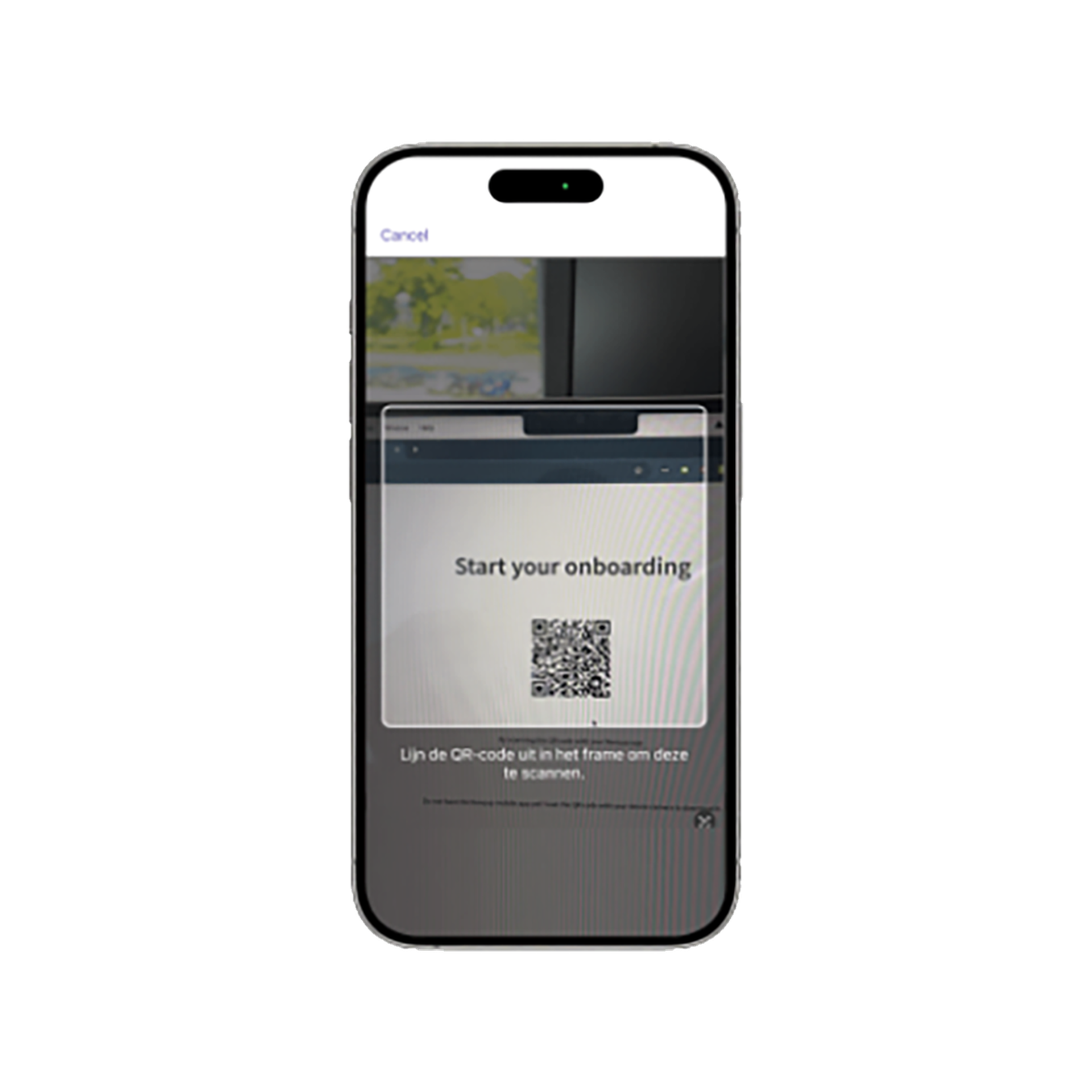
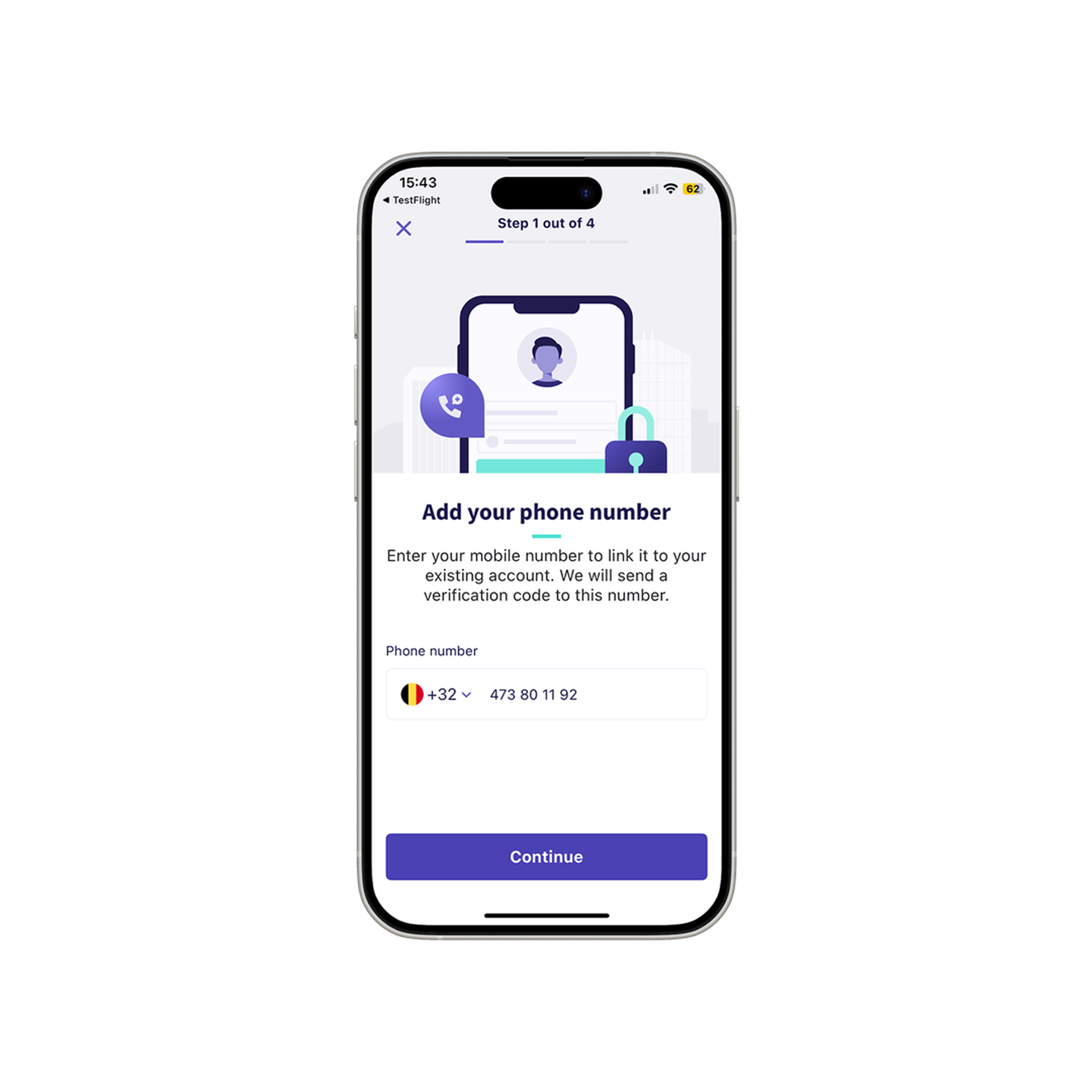
Step 2 - Start identification (mobile)
After installing the app, you can securely verify your identity within the application (e.g., via itsme® or your ID card), confirm your personal details, and complete your personal registration.
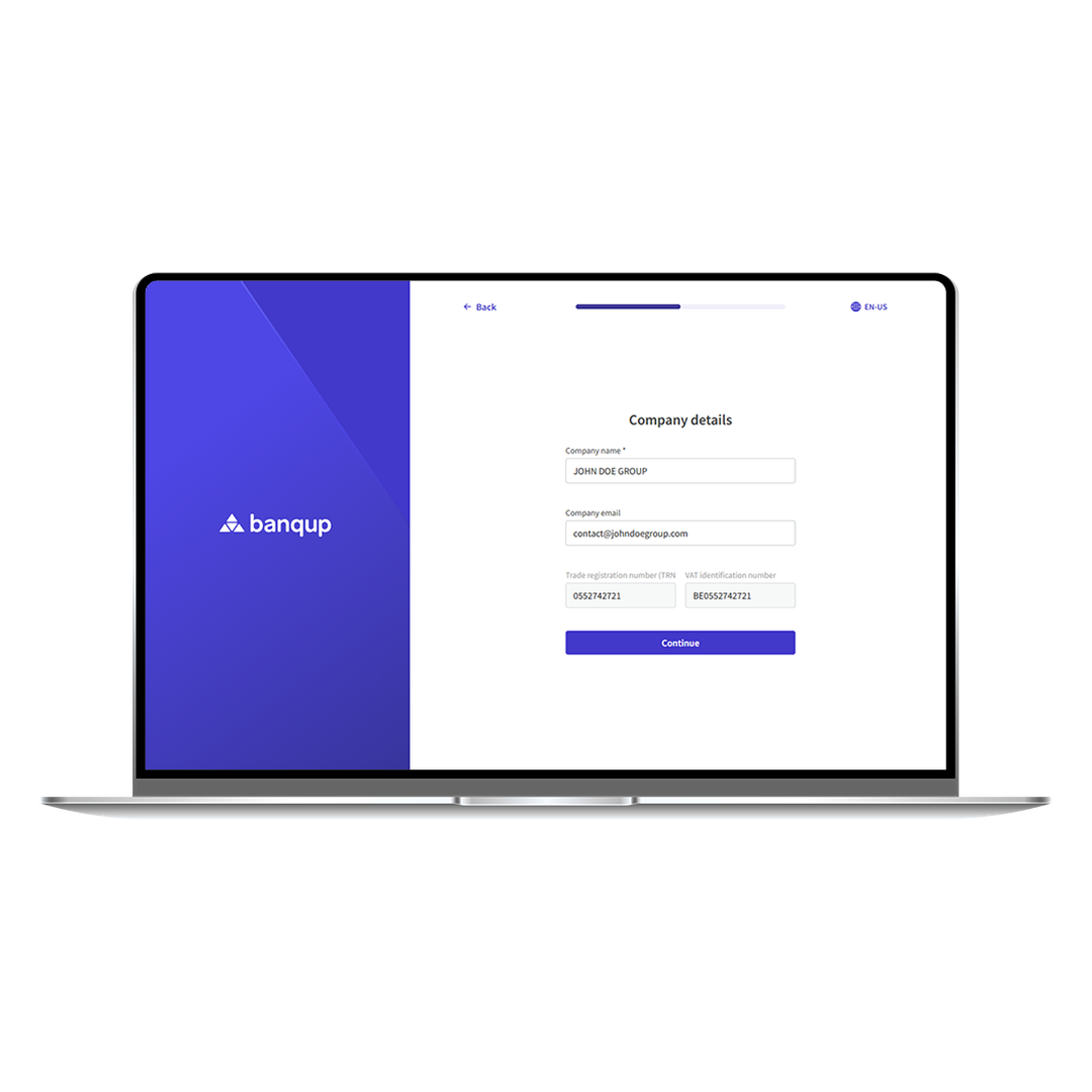
Step 3 - Provide company details (desktop)
Switch back to your desktop and scan the QR code once again with the Banqup One app. Enter the details of your organisation (or the organisation you are authorised to represent).
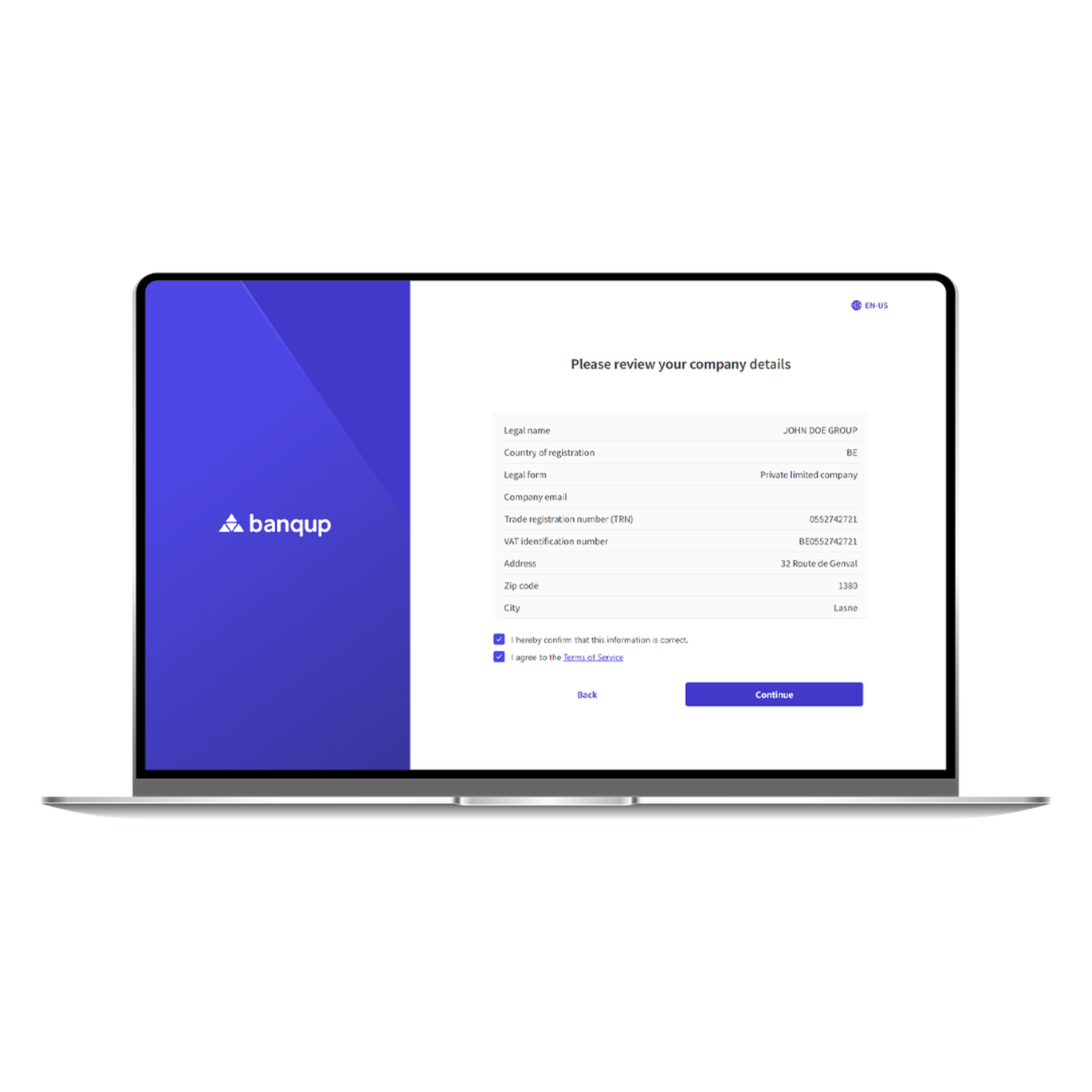
Step 4 - Review & sign (desktop)
Read and digitally sign the legal agreements. You are now all set to start using Banqup!
We're here to help!
Need a hand setting things up?
If you have any questions during registration or want a step-by-step walkthrough of your new dashboard, check out our Help Center to hit the ground running.